
Post Installation: Creating a Standard User
The Administrator user created during Win11 installation must not be used for regular tasks.
For regular Windows usage, a standard user with limited privileges must be created using the below steps.
Step 1: Add standard user
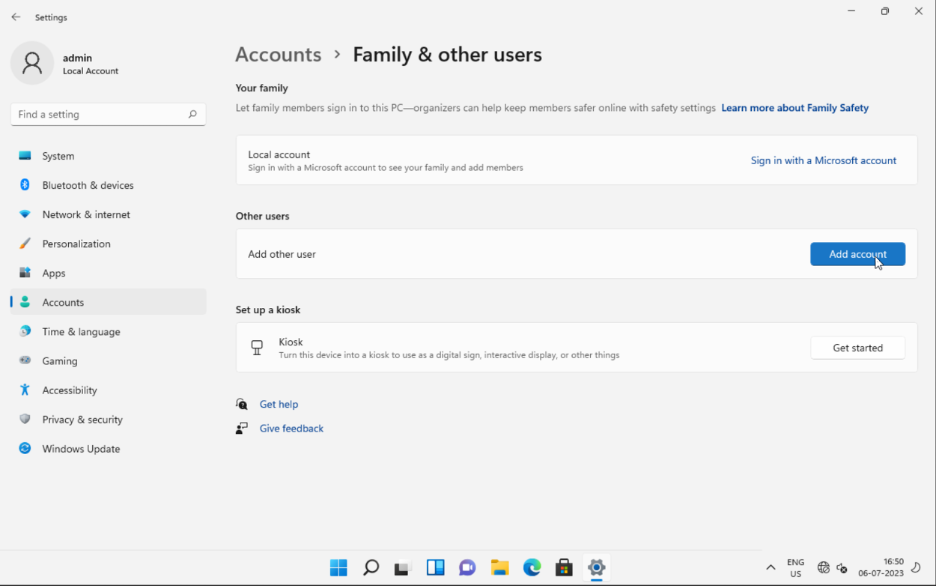
Select Start > Settings > Accounts > Family & other users and then select "Add account" under other users.
Step 2: Adding user credentials
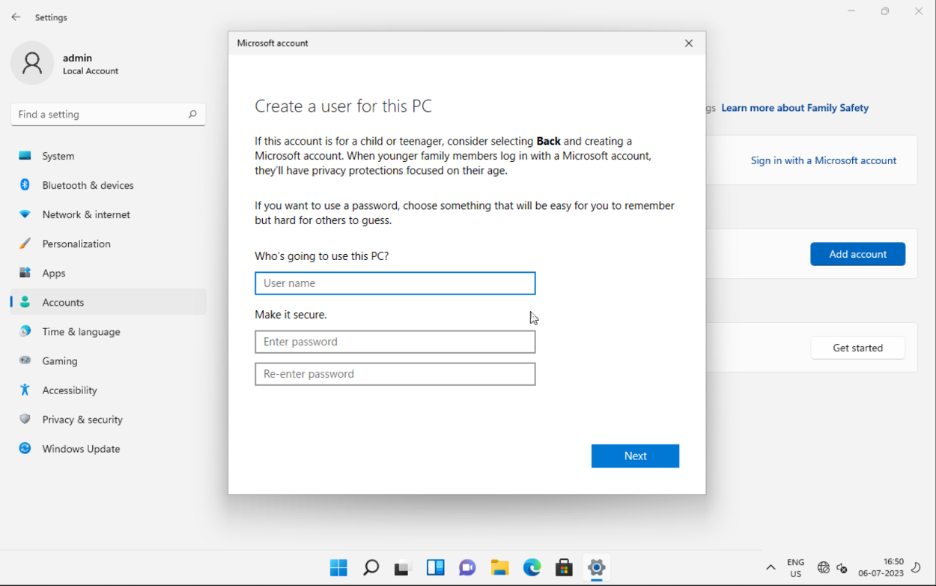
Create a Windows 11 standard account by confirming a name and password.
Step 3: Adding security questions
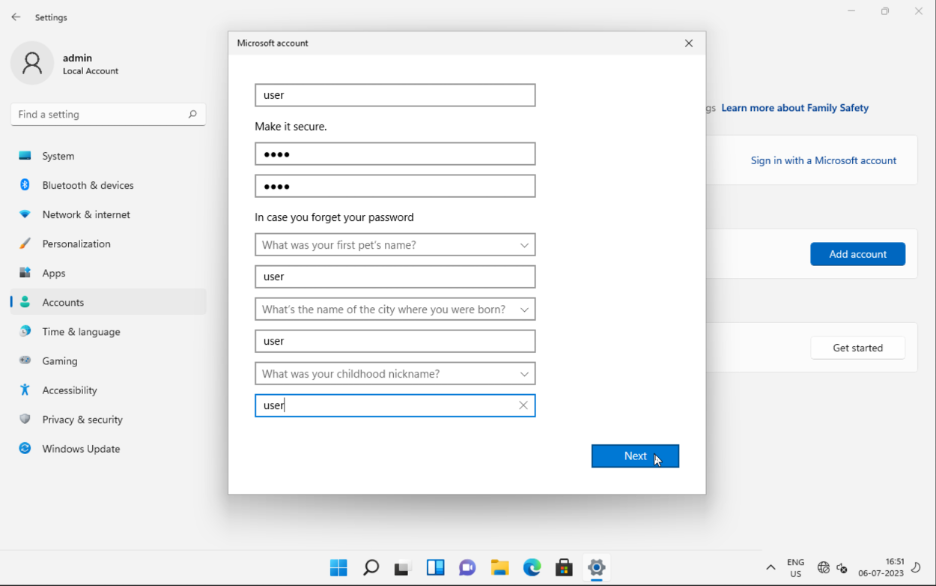
Configure the security questions to recover the account if the password is lost and click the Next button.
Step 4: Login as standard user
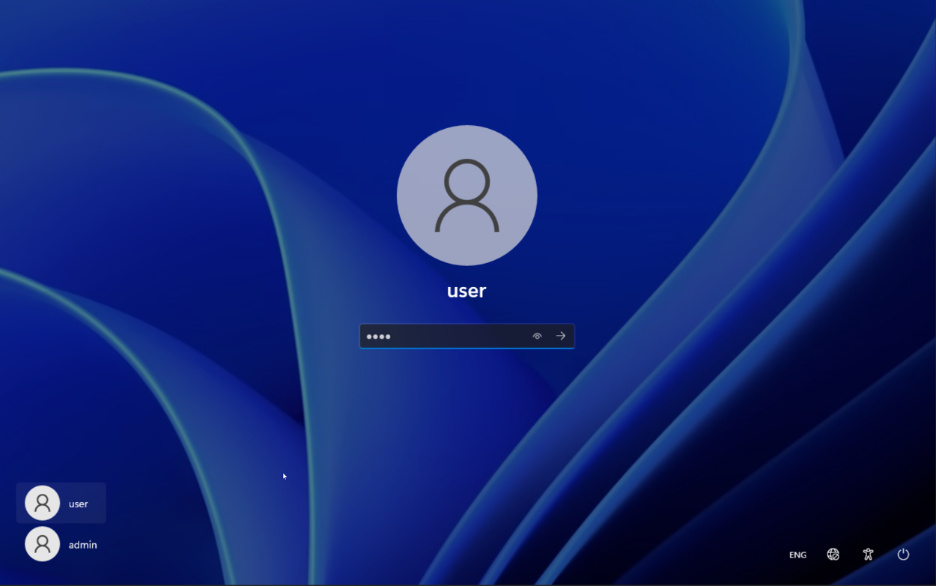
Now, Login with a standard account for regular Windows usage.
Note
Administrator account is used only to install softwares, troubleshoot problems and manage system settings.